
Motorola PremierOne CAD

Drone response for your PremierOne calls.
About this integration
Motorola Solutions’ PremierOne CAD helps emergency communications centers across the U.S. take calls, assign units, and manage incidents.
Part of the BRINC and Motorola Solutions strategic alliance, this integration sends calls for service from PremierOne CAD to BRINC LiveOps, including the call location. A telepilot can then launch a drone to the call.
Dispatchers stay in the PremierOne CAD they already use. Responding units can get a live view of the scene from above before they arrive.
In progress. Setup will be coordinated with your Motorola CAD administrator and BRINC.
Benefits
- Caller location loads as the drone’s flight destination
- Launch a drone from a PremierOne call in LiveOps
- Dispatchers keep working in the PremierOne CAD they already use
- Part of the broader BRINC and Motorola Solutions ecosystem
How It Works
- The BRINC onboarding team works with your Motorola CAD administrator to connect PremierOne to BRINC LiveOps.
- Calls for service appear in the LiveOps dispatch queue with the call location included.
- A telepilot launches the drone from LiveOps and streams live video to responders and command staff.
Requirements
Motorola Solutions PremierOne CAD at your agency.
A BRINC LiveOps account with admin access.
PremierOne support is in progress.

Explore more integrations
View All Integrations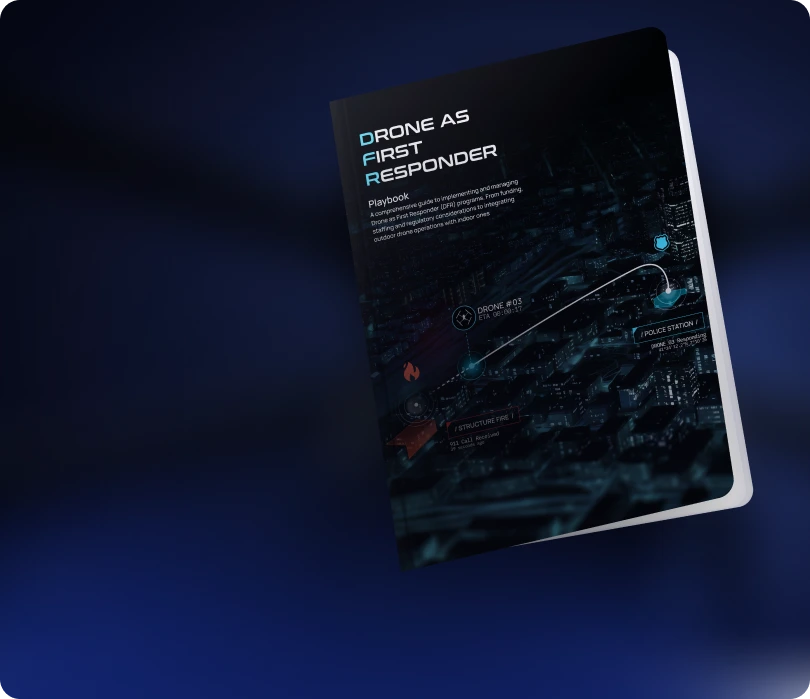
Learn how agencies plan,
launch, and scale DFR programs
Read the Playbook
Don't See Your Tool? Let's Connect It.
We're continuously expanding our integration ecosystem. If your platform isn't listed, our team can help explore integration options.
Contact Us


