
Microsoft Entra ID (SSO)

One secure login for BRINC LiveOps.
About this integration
Microsoft Entra ID, previously known as Azure Active Directory, is Microsoft’s cloud identity and access management service. Agencies can use it to manage staff accounts and sign-in.
BRINC LiveOps can be set up for single sign-on through Microsoft Entra ID, so users sign in with their agency credentials. Setup details and how it works with LiveOps login security are confirmed with the BRINC team.
IT teams can manage sign-in from one place, and users have one less password to remember.
Contact BRINC to confirm availability and set up SSO with your IT administrator.
Benefits
- Sign in to LiveOps with your agency’s Microsoft Entra ID credentials
- Sign-in follows your agency’s identity setup in Microsoft Entra ID
- Manage sign-in to LiveOps from one place
- One less password for your team to manage
How It Works
- Your IT administrator and the BRINC team set up Microsoft Entra ID as the sign-in provider for LiveOps.
- Users sign in to LiveOps with their agency account through single sign-on.
- Your IT team manages sign-in through Microsoft Entra ID, with one less password for users.
Requirements
Microsoft Entra ID at your agency.
A BRINC LiveOps account with admin access.
An Entra ID administrator to complete setup.

Explore more integrations
View All Integrations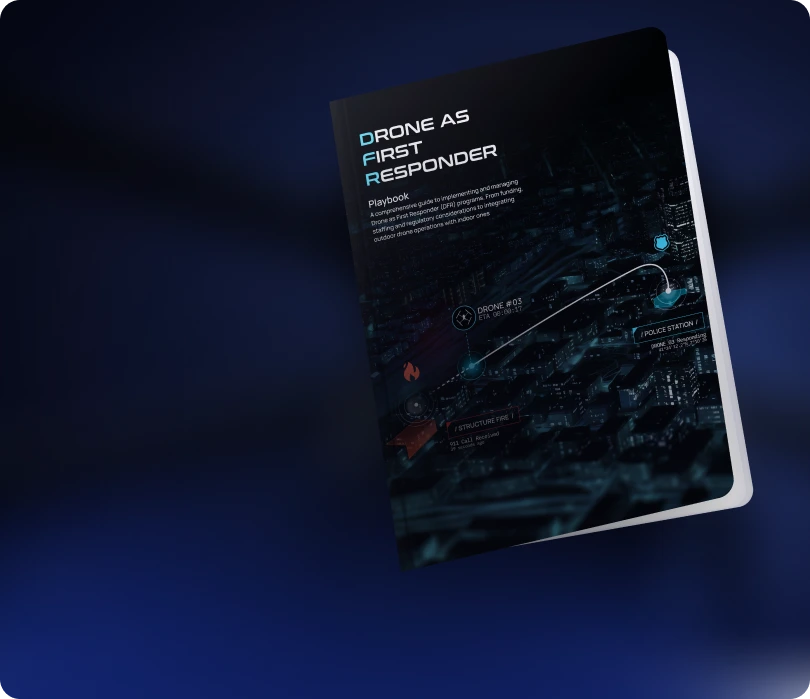
Learn how agencies plan,
launch, and scale DFR programs
Read the Playbook
Don't See Your Tool? Let's Connect It.
We're continuously expanding our integration ecosystem. If your platform isn't listed, our team can help explore integration options.
Contact Us


